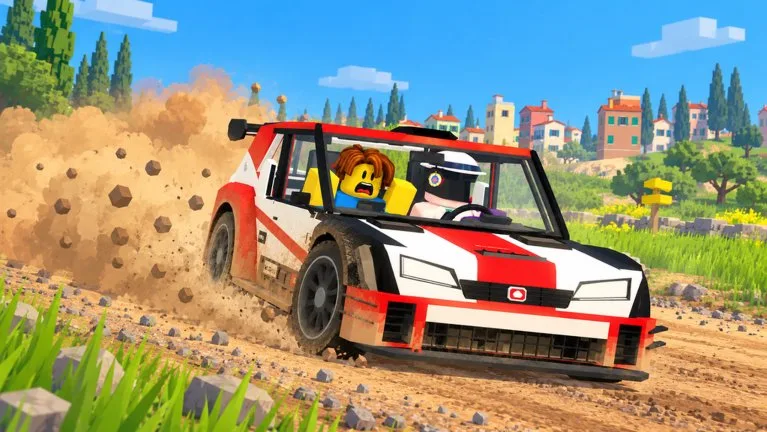
Outside a hosted race, other cars are ghosts. Collisions turn on only inside a race that sets them On.
Host
Stand at the start and press V. The Pine Forest menu can title itself RACES PINE FOREST.
- Who can join: Everyone, Friends, or Invite only.
- Collisions: Off or On.
- Racers: 2, 3, 4, 5, or 6.
- Class: Any, D, C, B, A, S, or Stock. Your car has to match a restricted class.
- Read the entry fee. A documented setup showed Free.
- Confirm HOST RACE.
OPEN RACES lists joins. If it says No open races. Host one!, there is nothing to join. Backspace closes the menu. The top bar can also show RACE with Y.
For a friends race that is about stage time rather than contact, use Friends, your group size, and Collisions Off.
Put a person in the passenger seat
- Press C, pick an unlocked car, and press Enter to reach CO-DRIVER.
- INVITE lists players in this server, friends first. Spawn + invite, or Enter, sends the card.
- They must accept. Look for the co-driver notification, not only the AI label.
- If they are not in the server, use the Invite friends tile at the end of the list.
- LEAVE SEAT OPEN is the ANYONE option. The main menu + beside the driver is Find a co-driver.
Voice should be up before a human stage. The AI option is AI CO-DRIVER under SOLO.
Class S and the Orkan 9S only matter if the race locks class to S or Any. A Class D weekly board is a different list from a hosted Class D race, but both care about the letter on the car.